
How To Use AI With Digital Literacy in Elementary
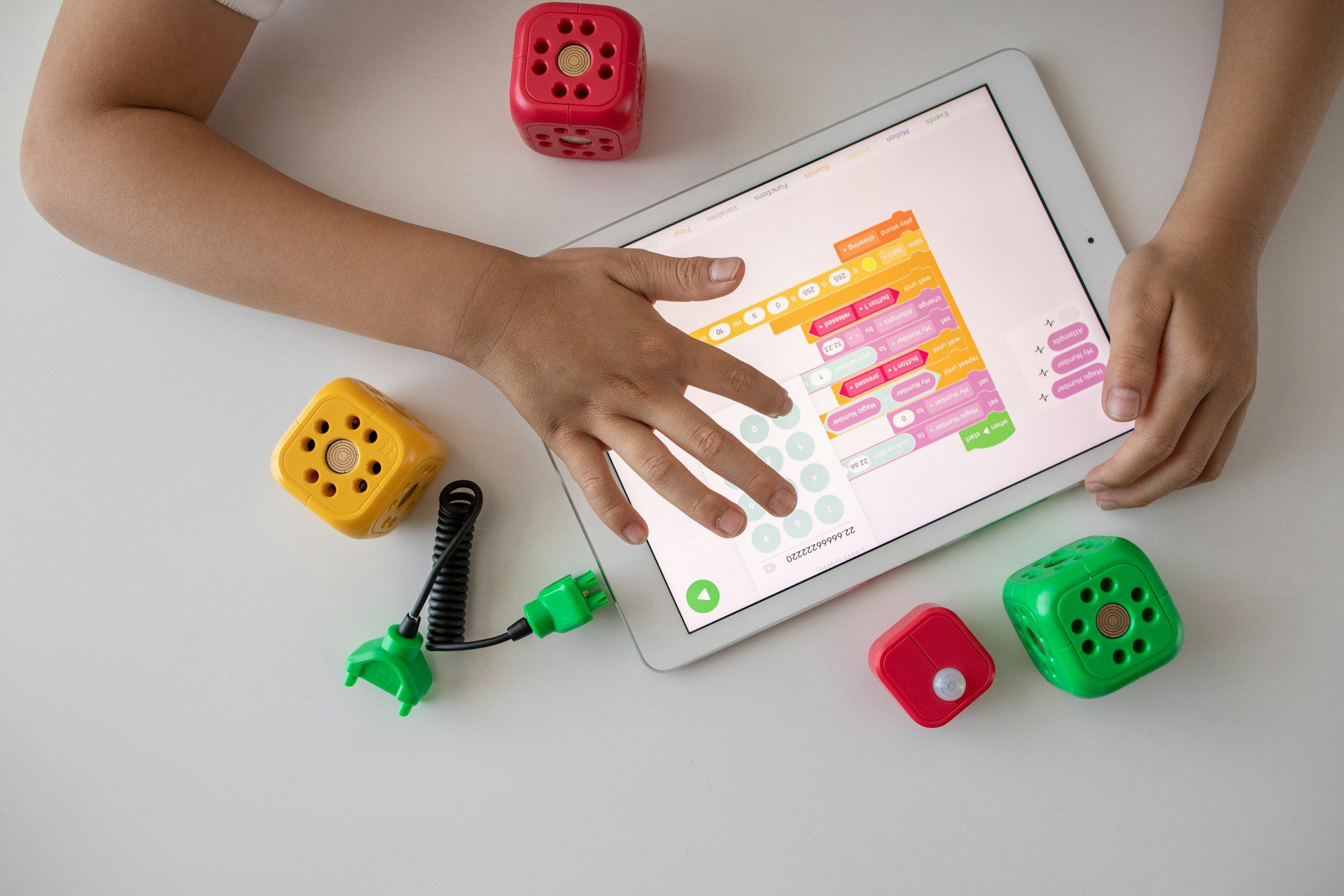
Artificial Intelligence (AI) is transforming education for all students in America. We are going to draw our attention to elementary students in particular. It is known that this swift move for AI integration in education would open the door to drastically improving innovative tools in edtech and personalized learning experiences that cater to individual needs. Take for example AI-powered educational platforms, like DreamBox, Khan academy and Singapore Math e-learning for homeschoolers. They provide adaptive learning paths that adjust to each student’s pace and understanding, ensuring they grasp foundational concepts before moving forward. Some of these platforms have AI generated robots and talking teachers ready to create that personalized experience for young students. In the classroom, teachers are leveraging AI to enhance their instructional methods, using tools like Curipod to create interactive lessons and provide instant feedback on student work. Additionally, AI is being used to support students with diverse learning needs, offering speech recognition and language translation services to assist multilingual learners and those with disabilities. While we are witnessing technology evolve in education, the question is whether we can harness AI tools to not only create effective learning environment for young students but prepare them for a future where technology will be part of their daily job tasks in the workforce.

The Role of AI in Digital Literacy for Elementary Students
Artificial Intelligence (AI) is increasingly becoming a part of everyday life, and its integration into education is no exception. Did you know that understanding AI and how to use these tools responsibly is an important aspect of digital literacy? AI can enhance learning experiences by providing personalized educational content, adaptive learning platforms, and intelligent tutoring systems. It can ease the burden for teachers and educators by functioning as virtual teaching assistants. By interacting with AI-powered tools, students can receive immediate feedback, tailored instruction, and support that caters to their individual learning needs. Students can use AI powered bots like Siri and Alexa as their own homework helpers or virtual tutors (on-demand). With a world where technology is so intimately woven at home and school, it is ever more important for students to develop digital literacy skills to help them understand how AI works, its potential benefits, and the ethical considerations surrounding its use. This foundational knowledge, you are establishing for them as a career coach, prepares them to navigate a future where AI will continue to play a significant role in various aspects of their personal life and work life.

Importance of Digital Literacy for AI Tools in Educational Technology
Digital literacy is crucial for effectively using AI tools in educational technology platforms. Especially for our younger students, the content may be highly engaging, but they may not realize the apps and software used for learning are powered by AI. Just consider the AI-driven platforms that can analyze student performance data to identify strengths and weaknesses, recommend personalized learning paths, and even predict future learning outcomes. On the backend, AI works to prepare the app or tool to function this way (as designed). On the front end, all the student sees are a series of buttons to click to advance to the lesson of the day they are expected to do or fun games to engage in that change daily.
As career coaches, should we be providing in-depth explanations to our elementary students about the back-end design of such AI-powered tools? Probably not. But we absolutely should be equipping our students with sufficient digital literacy that enables them to make the most of these AI tools by knowing how to interact with them (safely!), interpret the feedback they receive, filter through the information that is not bias-free, and apply it to their learning process. We should also use digital literacy to help students recognize the importance of data privacy and ethical use of AI, ensuring they use these tools responsibly and safely. By fostering digital literacy, we empower students to leverage AI technology to enhance their educational experiences and get them career-ready for a future where AI will likely be an integral component of their future career.
Examples of AI Digital Literacy for Elementary Students
While we unpacked the importance of digital literacy with an AI focus, let’s put this into context with different examples. Each of these examples is presented through the lens of different learning spaces. At Think Skill Tools, we embrace the reality that learning is not restricted to traditional environments like a classroom. In our modern educational world, learning can be done in many spaces – at home, on a computer virtually, in a microschool, and yes, even at a park, library, or coffee shop.
- At Home Homeschooling: In this learning environment, AI digital literacy can be fostered through the use of personalized learning apps that adapt to a child’s progress. It is not uncommon nowadays for many educational apps for homeschooled students to employ AI-generated features like chatting with a virtual teacher or participating in adaptive learning.
- For example, an AI-powered math app can provide customized practice problems based on the student’s performance, offering additional challenges or support as needed. Parents can guide their children in using these tools effectively, ensuring they understand how to navigate the app and interpret the feedback provided. Where does the digital literacy come in? When your student asks why the problems are changing so randomly, or why the answer sent by that virtual teacher did not make sense, you can use this as an opportunity to explain how the tool is working digitally, identify the limitations, and remind the student to lean on those critical thinking skills to stay successful.
- In a Traditional Classroom with Digital Tools: In this learning space, AI digital literacy can be integrated through interactive whiteboards and AI-driven educational software. For instance, a teacher might use an AI-powered reading program that assesses students’ reading levels and recommends appropriate books and activities. Students learn to interact with the software, follow personalized learning paths, and use the feedback to improve their reading skills. Teachers can facilitate this process by providing instruction on how to use the tools and encouraging collaborative learning experiences.
- Similar to the homeschooled environment, if a student begins to question the recommendations made by such AI-powered tools or gets turned around (e.g. what the virtual output stated does not match what they learned in class from a human teacher), use this as an opportunity to make it a digital literacy moment! All students – even those who did not ask or question such discrepancies – need to be reminded of their need to always use critical thinking and problem-solving skills, whether it is work done in a textbook, on a worksheet, or through a digital app.
- Virtual Learning Spaces: This by far is likely the most common learning space where students may have the strongest digital literacy skills due to the nature of how they learn (e.g., with a virtual teacher, 100% on line). Regardless of a student’s digital literacy background, AI digital literacy is essential for navigating online platforms and engaging with AI-driven educational content.
- An example is a virtual classroom where students use an AI-powered platform that tracks their progress and provides real-time feedback on assignments. Students learn to manage their time, submit work digitally, and utilize the platform’s resources to enhance their learning. Teachers can support this by offering virtual office hours, providing tutorials on using the platform, reminding students about the safe and responsible use of working in such digital environments, and encouraging students to explore the AI features available to them.

Strengthening The Foundation in AI Digital Literacy
Privacy and online safety are paramount when integrating AI into education for all students, including our elementary students. It is especially important to introduce such strong foundational knowledge early on to elementary students before they enter higher grades, where technology and classwork become almost synonymous.
Equally important, as AI tools become more prevalent in classrooms, it is essential to safeguard sensitive student data and ensure ethical use of technology. Let’s take the issue with Powerschool as an example. While this widespread data breach (impacting many schools and students) was not directly tied to AI, it should be a great reminder about the importance of digital literacy – not just for adults, but for students too.
AI applications in education often collect and analyze vast amounts of data to personalize learning experiences, which raises concerns about data privacy. Schools must adhere to regulations such as the Children’s Online Privacy Protection Act (COPPA) and the Family Educational Rights and Privacy Act (FERPA) to protect student information. And this is coming straight from the Department of Education. Educators and parents should be aware of the types of data being collected, how it is stored, and who has access to it. You should also be aware of the various rights you have to sign out, opt out, limit access to, and unsubscribe from to protect your privacy and students’ privacy when it comes to data collection.
This foundation building also extends to online safety, which involves teaching students how to navigate digital environments safely. Students need to understand the importance of creating strong passwords, recognizing phishing attempts, and knowing how to report suspicious activities. Such knowledge is not restricted to teens and adults! If a student is using an app on their tablet, they should at the very least understand why those passwords are overly complicated and hard to remember.
At the administrative level in schools and programs, they should implement digital citizenship curricula that educate students about responsible online behavior and the potential risks associated with sharing personal information. Parents can reinforce these lessons at home by discussing online safety practices and monitoring their children’s internet use.
Additionally, schools should work with reputable AI vendors who prioritize data security and have robust measures in place to protect student information. Regular audits and transparency about data practices can help build trust among parents, teachers, and students. This is what we call a continuous improvement feedback loop. Such positive practices foster a culture of privacy and online safety that ensures the benefits of AI in education are realized without compromising the security and well-being of our youngest learners. Ultimately, a collaborative effort between the administrators who run learning spaces, parents, teachers, and technology providers is essential to create a safe and secure digital learning environment for our young learners.
Digital Career Products…For All Ages
help your students dream big in a strategic way by exploring the various careers in an easy and fun way. There are a variety of career education resources (worksheets, graphic organizers, and more) in the printables store.


AI Digital Literacy Skills
Provided below are five practical skills you can identify in your students and encourage them to strengthen to be AI digital literate. Keep in mind, AI digital literacy skills are a bit more specific when compared to standard digital literacy skills. Those subtle differences are also noted in this list:
Topic #1: Understanding AI Concepts
- Skill: Students should grasp basic AI concepts, such as what is machine learning and how that is used to drive some of the tools they use.
- Recognizing the difference: Unlike basic digital literacy, which commonly focuses on using technology, this skill involves understanding how AI works and its underlying principles. It helps students comprehend the technology behind the tools they use.
Topic #2: Evaluating AI-Generated Content
- Skill: Students should practice critically evaluating information and content generated by AI, such as distinguishing between AI-generated and human-created content.
- Recognizing The Difference: Basic digital literacy involves evaluating online information for credibility, but this skill specifically addresses the unique challenges of AI-generated content, including identifying potential biases and inaccuracies.
Topic #3: Ethical Use of AI
- Skill: Students should understand the ethical implications of AI, including privacy concerns, data security, and the impact of AI on society. This can be explained to them as part of an activity before they start a research project or something where AI tools may be used for content sourcing, etc.
- Recognizing The Difference: While basic digital literacy covers general online safety and ethics, this skill focuses on the specific ethical considerations related to AI, such as the responsible use of AI tools and the potential consequences of AI decisions.
Topic #4: Interacting with AI Tools
- Skill: Students should be able to effectively use AI-powered tools and applications, such as virtual assistants, chatbots, and educational AI platforms. This effectiveness means being able to decipher when to call for human-assisted help versus listening to everything an AI tool says. This also means recognizing how AI tools are used as assistant features only. They are not meant to replace the human brain and the ability to think critically.
- Recognizing The Difference: Basic digital literacy involves using standard digital tools, whereas this skill emphasizes interacting with AI-driven technologies, understanding their functionalities, and leveraging them for learning and problem-solving.
Topic #5: Creating with AI
- Skill: Students should be given the ability to practice creating simple AI projects, like programming a basic chatbot or using AI to generate art or music. This gives them the ability to explore the depths of how AI is used in a safe and responsible way.
- Recognizing The Difference: Basic digital literacy includes creating digital content, but this skill takes it a step further by incorporating AI into the creation process, fostering innovation and a deeper understanding of how AI can be used creatively.
Resources We Trust And Like
- AI digital literacy [Why we like this: If you are trying to wrap your mind around what is AI and digital literacy, this may be a good resource to help you understand and take a deeper dive.]
- AI digital literacy in school. [Why we like this: Looking for some practical skills to help kids stay AI digitally ready? This is a great resource to use.]

Hello There! Nice to meet you 🙂
I am Dr. Danielle Reid. Career education and keeping learning fun really is my jam. No I am not a formally trained career coach. I am the product of a family that did some crazy-amazing career coaching to help me reach my dreams. Nowadays I find myself doing my own career coaching for my three kids, with a lot more knowledge, tools, and resources to share.